
Voice Clone
Text to speech in your own voice.
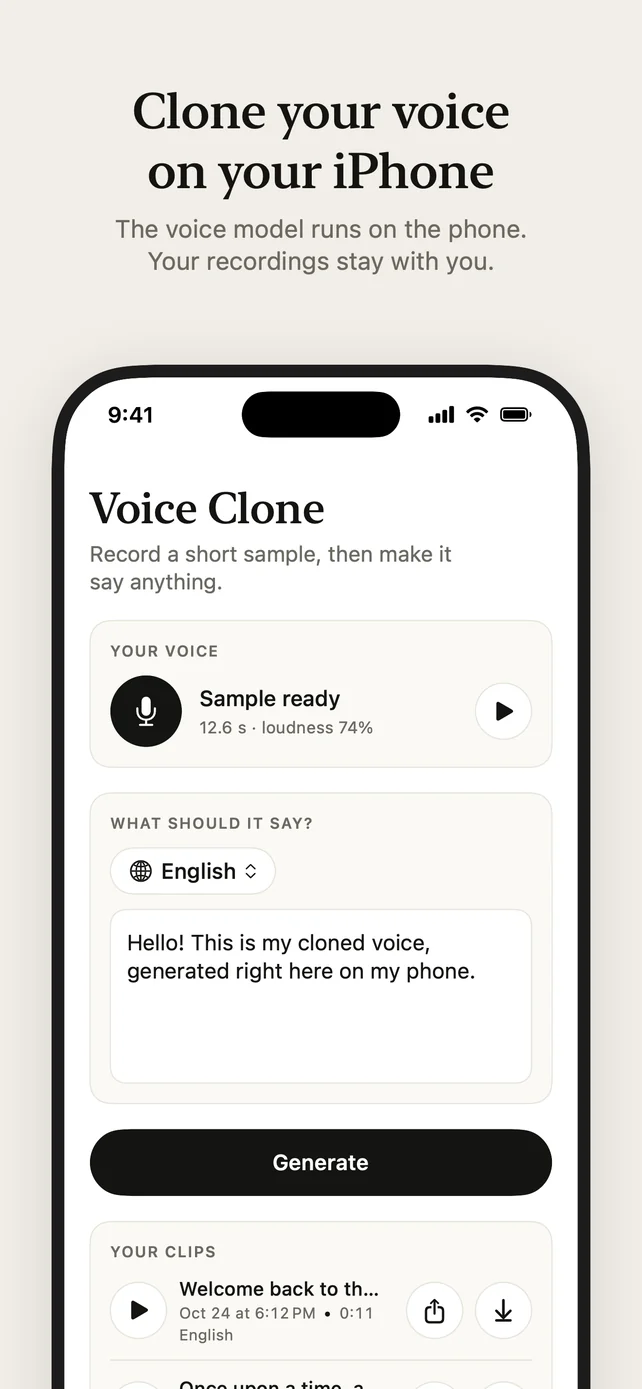
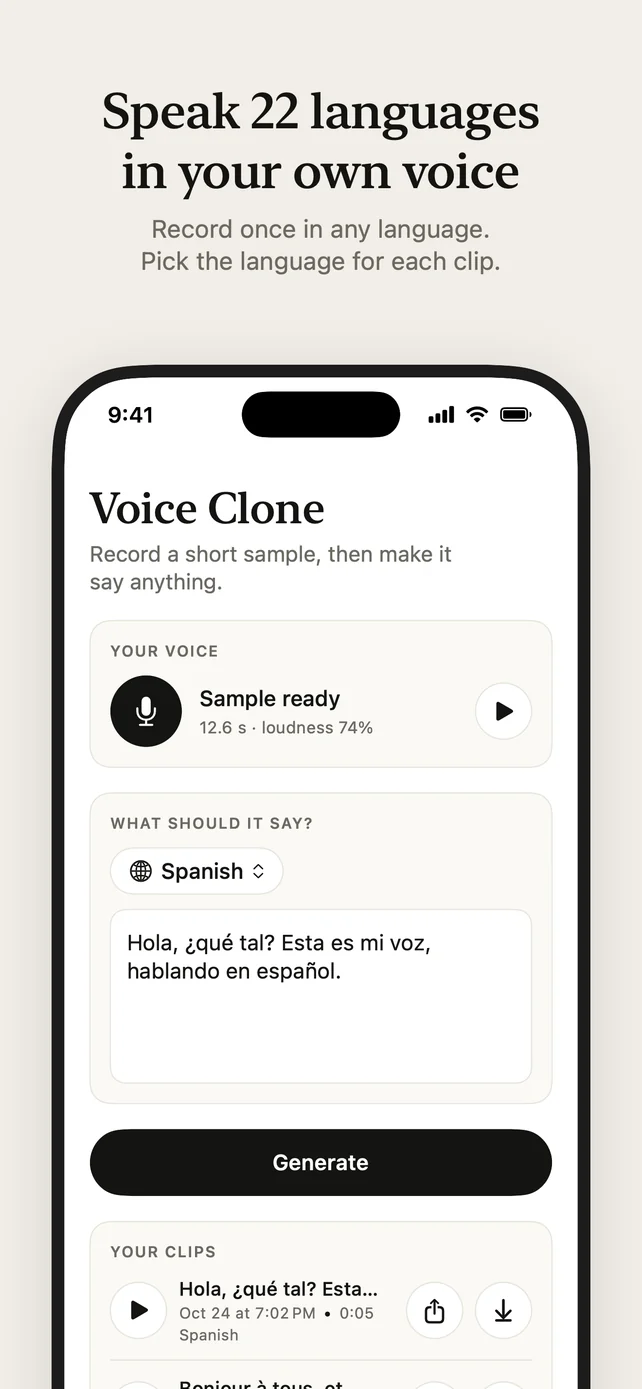
Record a short sample of your voice, type any text in one of 22 languages, and hear it read in your voice. The voice model runs on your iPhone, so your recordings and clips stay with you. There is no account and nothing to buy.
Your voice in 15 seconds
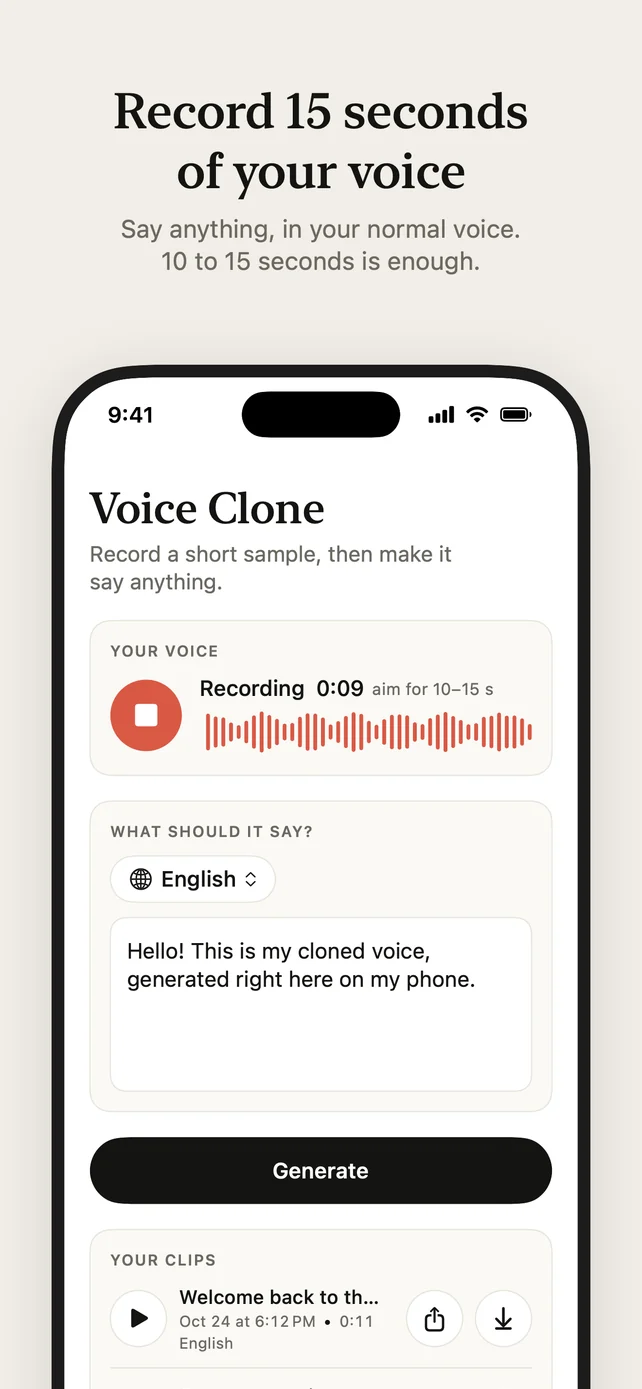
Talk for 10 to 15 seconds in your normal voice. The app learns your voice from that one sample, on your iPhone.
Type anything
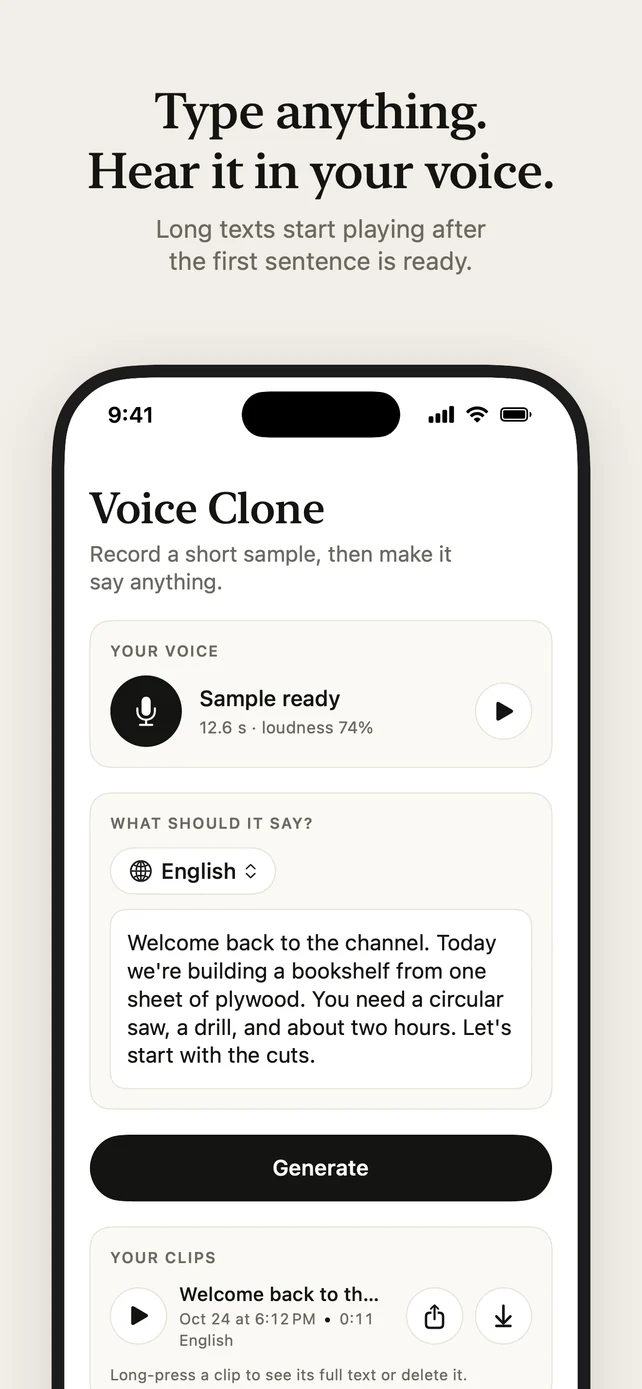
Type what it should say and tap Generate. A long text starts playing as soon as its first sentence is ready.
22 languages
Record once, in any language, then make clips in Arabic, Chinese, Danish, Dutch, English, Finnish, French, German, Greek, Hindi, Italian, Japanese, Korean, Malay, Norwegian, Polish, Portuguese, Russian, Spanish, Swahili, Swedish or Turkish. When your text looks like another language, the app offers to switch.
Works offline
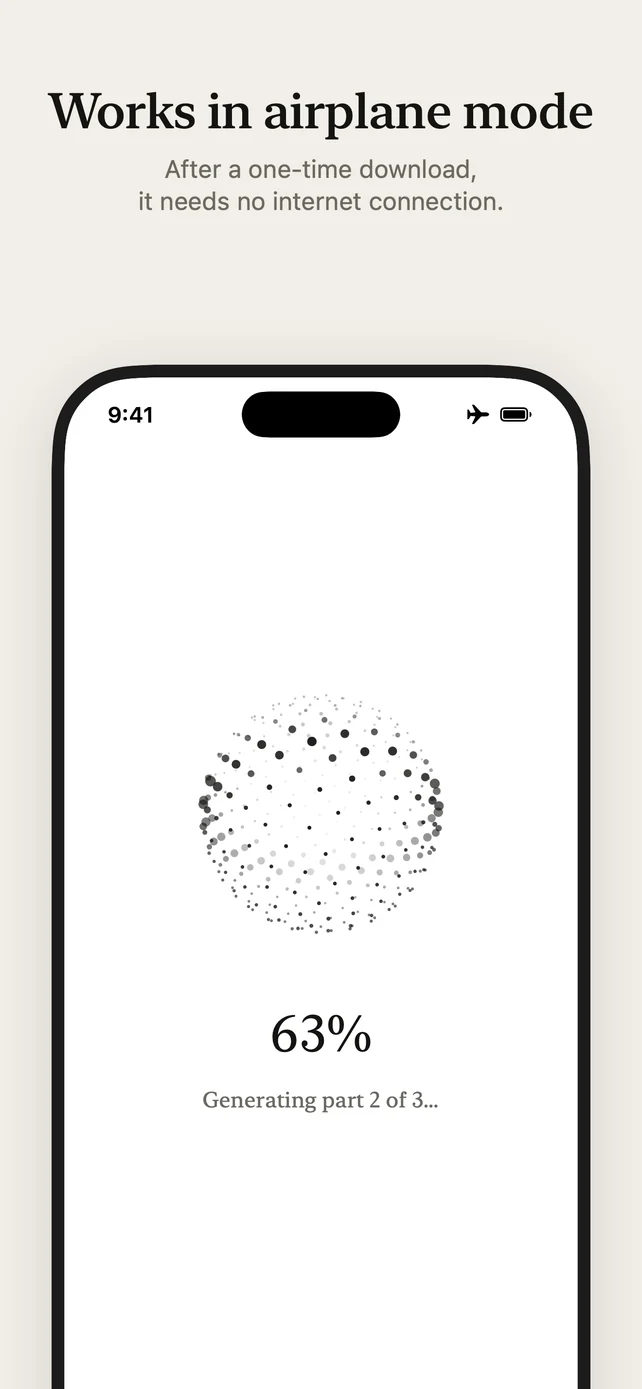
The first time, the app downloads the voice model, about 1.9 GB. After that it works in airplane mode.
Your clips
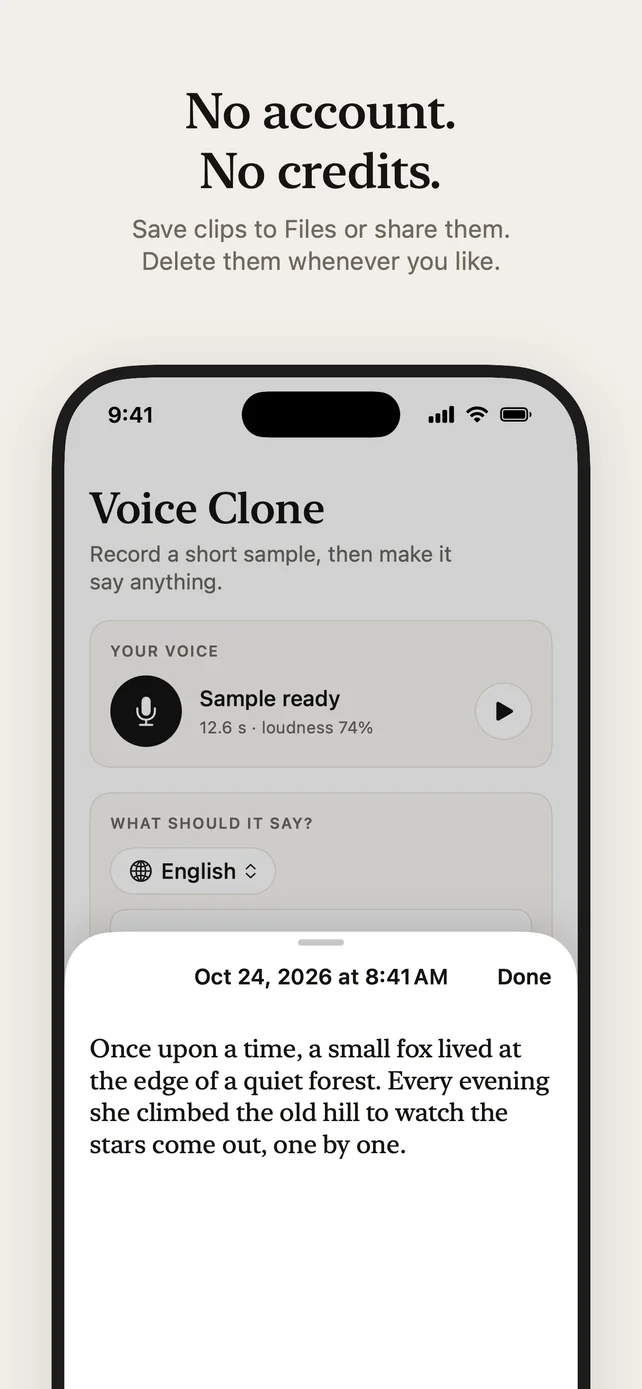
Every clip is saved with its text and language. Play it, share it, save it to Files, or delete it.
No account, no credits
There is nothing to sign up for and no credits to buy.
Questions and answers
Can I clone my voice on my iPhone without uploading it?
Yes. Voice Clone runs the voice model on the iPhone itself. Record 10 to 15 seconds of your voice, type any text, and hear it read in your voice. Your sample, your text and your clips never leave the phone. Voice Clone is free on the App Store.
Which iPhones can run it?
An iPhone 15 Pro or later, with iOS 18 or later. The voice model needs the 8 GB of memory those models have.
Does it work offline?
Yes. The first time, the app downloads the voice model once, about 1.9 GB. After that it makes speech in airplane mode.
Which languages can it speak?
Record once, in any language, and make clips in 22 languages in your own voice: Arabic, Chinese, Danish, Dutch, English, Finnish, French, German, Greek, Hindi, Italian, Japanese, Korean, Malay, Norwegian, Polish, Portuguese, Russian, Spanish, Swahili, Swedish and Turkish. When your text looks like another language, the app offers to switch.
Is it free?
Yes. There is no account to make and there are no credits to buy.
Can I clone someone else's voice?
Only with their permission. Clone your own voice, or the voice of someone who agreed to it. Every clip is labelled as AI-generated in its file information.
- Your voice sample, your text, and your clips stay on your iPhone.
- The voice model runs on the phone. Nothing is uploaded.
- Each clip is labelled as AI-generated in its file information.
- No account, no analytics, no tracking.
Needs an iPhone 15 Pro or later, for its 8 GB of memory. Clone only your own voice, or the voice of someone who agreed to it.


