
Aloud
Anything you can read, read aloud.
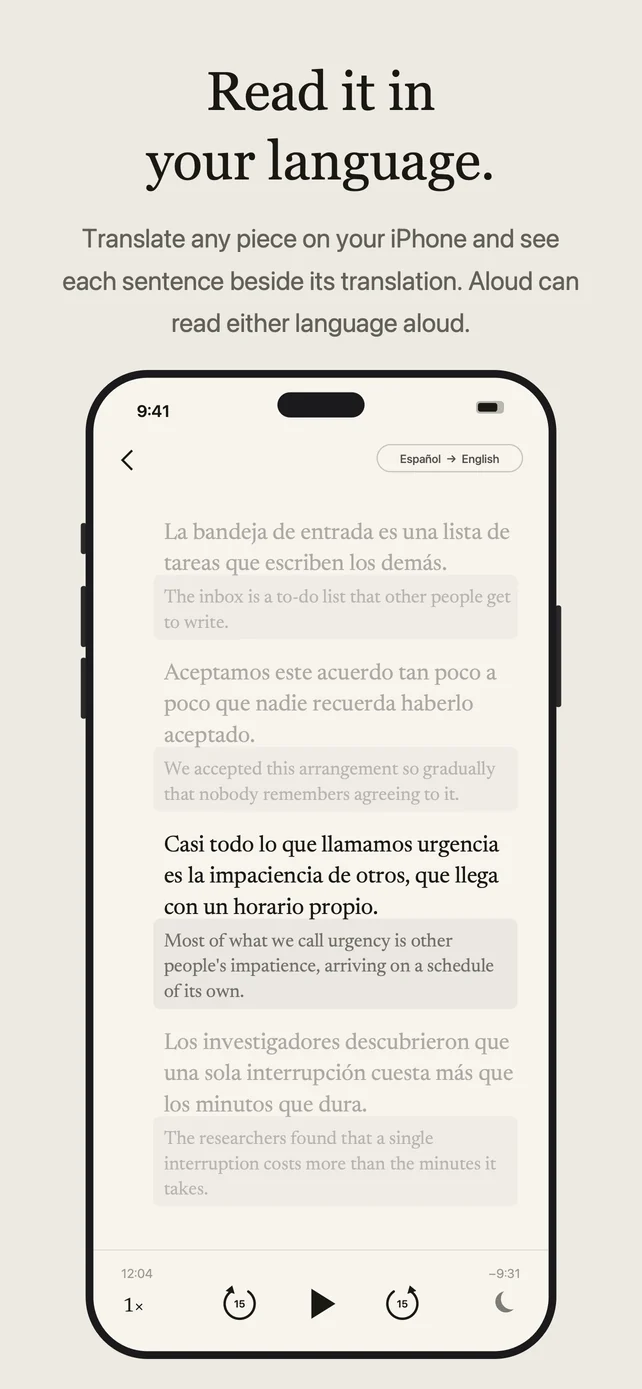
On iPhone Duo
The cover screen is a player, and the open phone shows two pages.
-
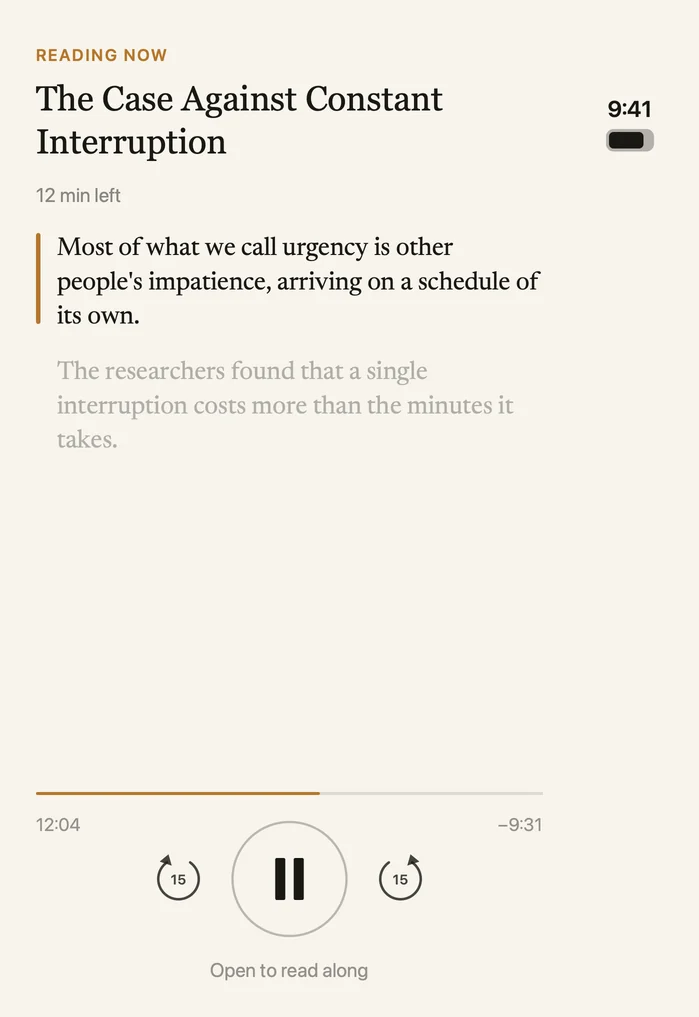
Folded The voice keeps going on the cover screen. -
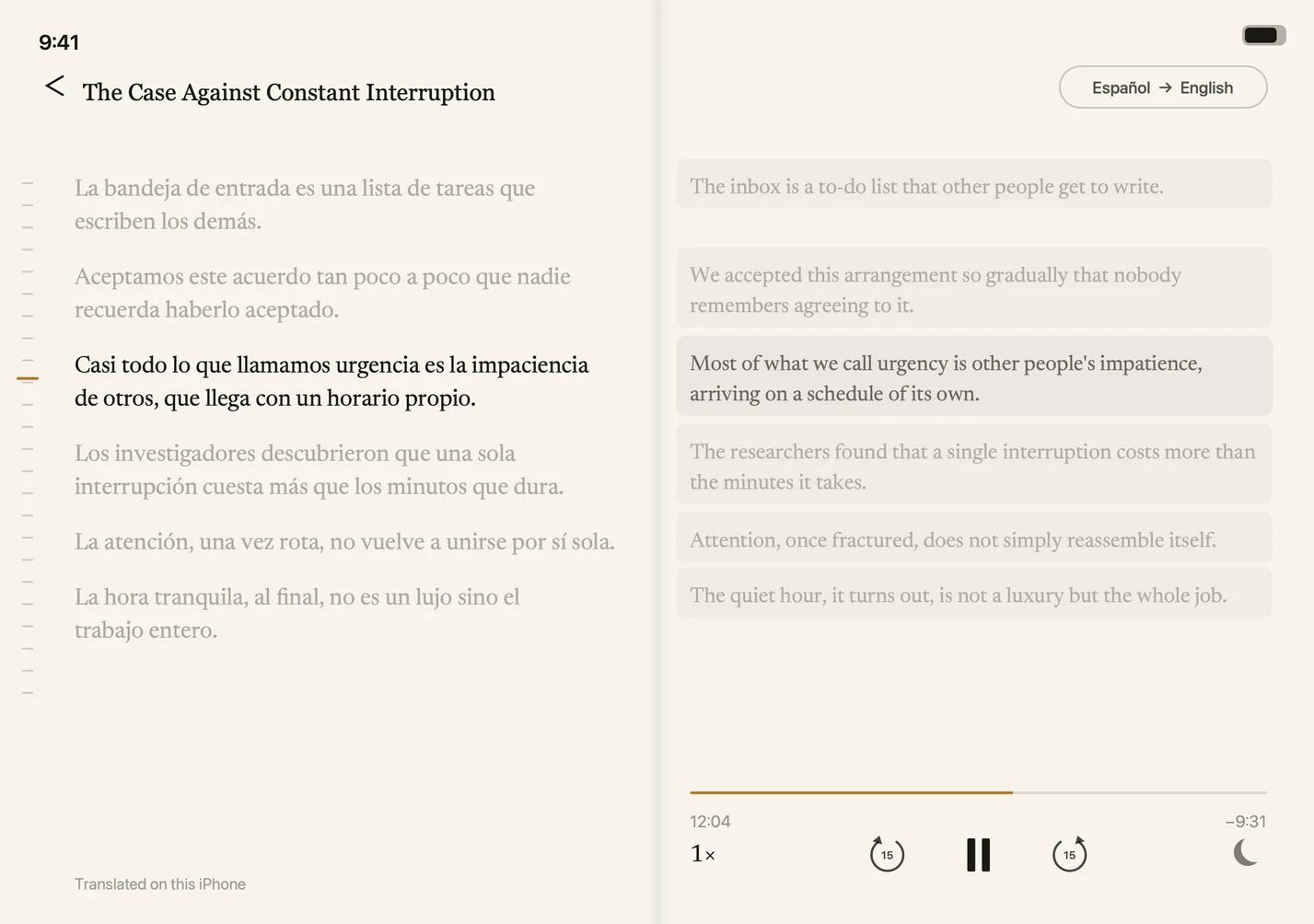
Half open Two facing pages, at any angle. -
Open With a translation on, the original and the translation sit side by side.
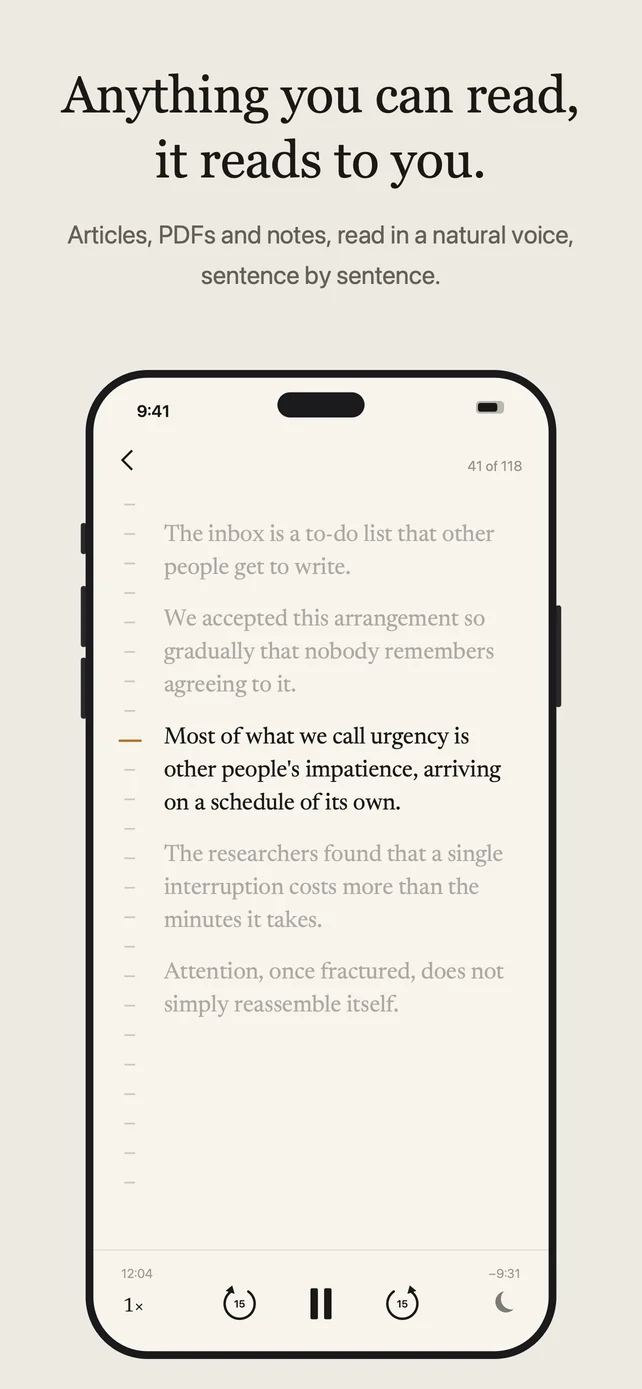
Share an article, open a PDF, or paste any text. Aloud reads it to you in a natural voice generated on your iPhone, sentence by sentence, and always keeps your place.
Aloud in 22 seconds
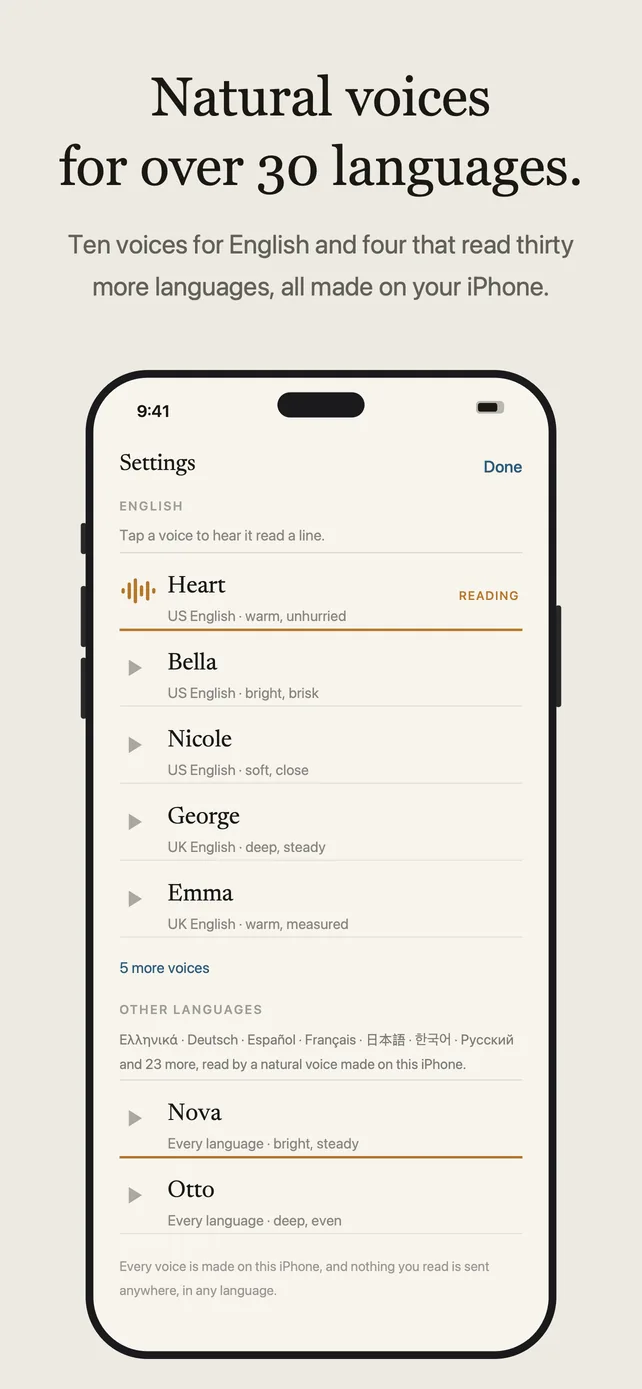
Natural voices, on device
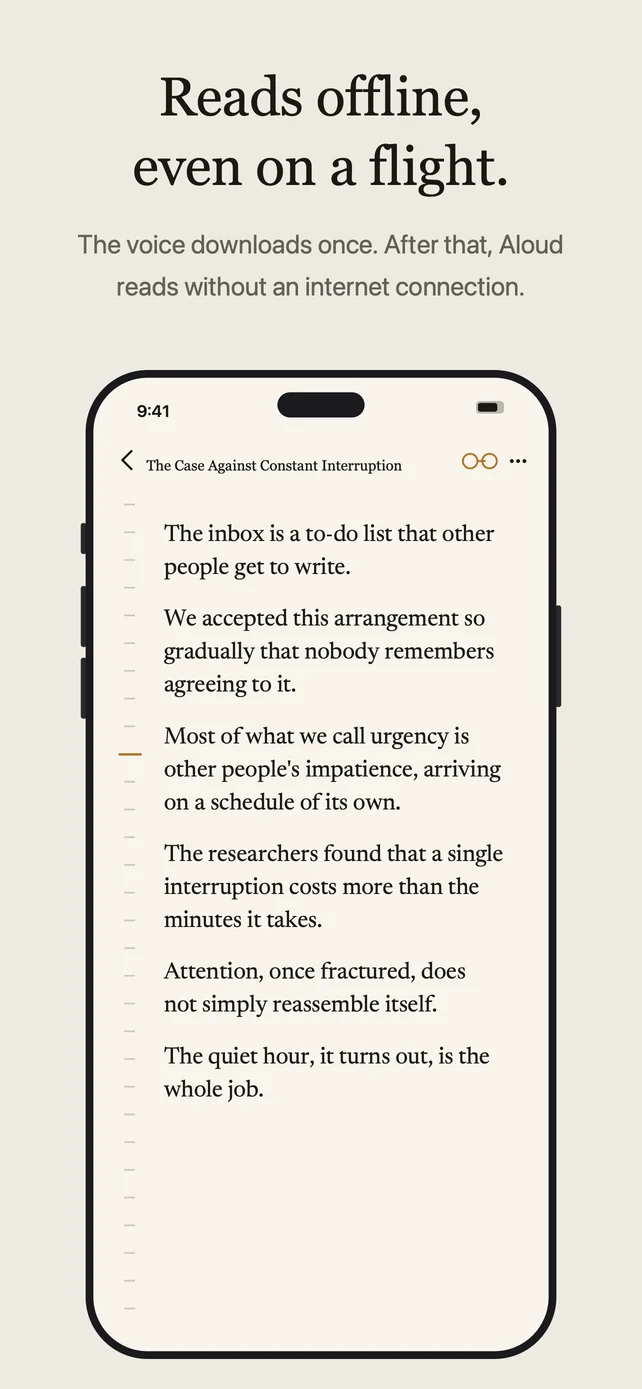
Ten voices for English and four that read thirty more languages. No server does the talking, so Aloud keeps reading in airplane mode.
Articles, PDFs, books
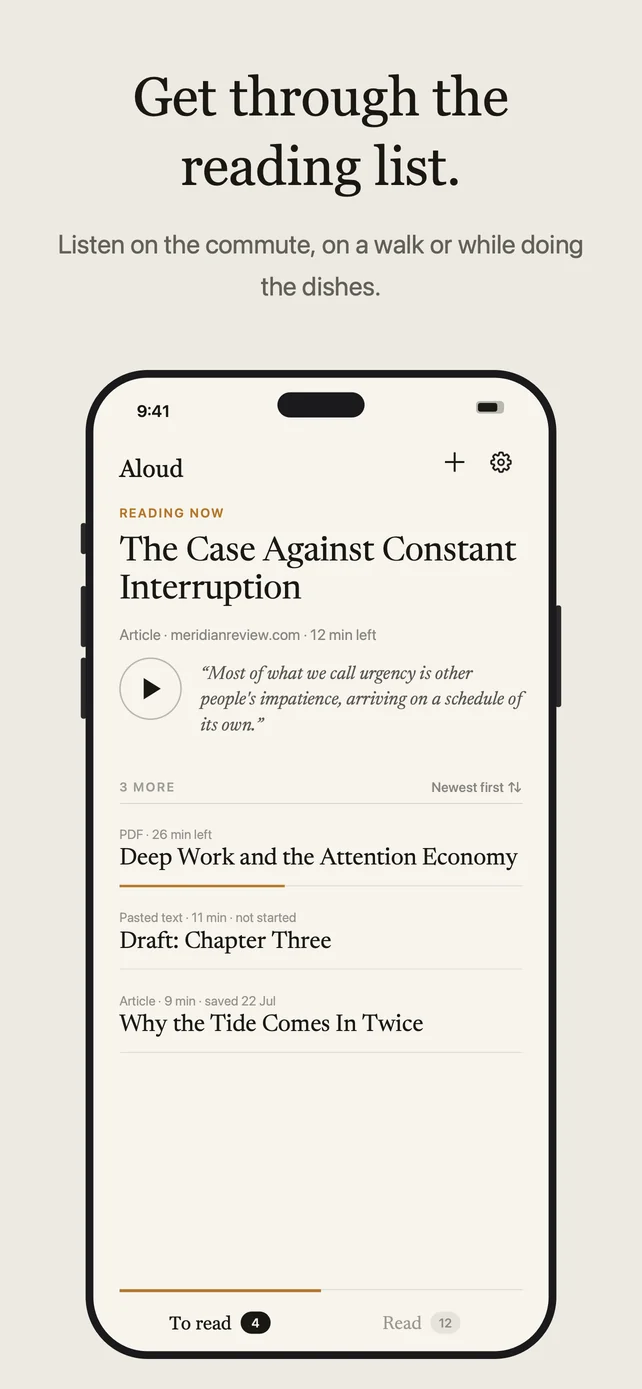
Share from any browser, open PDFs and EPUB books from Files, even scanned PDFs, or paste your own text.
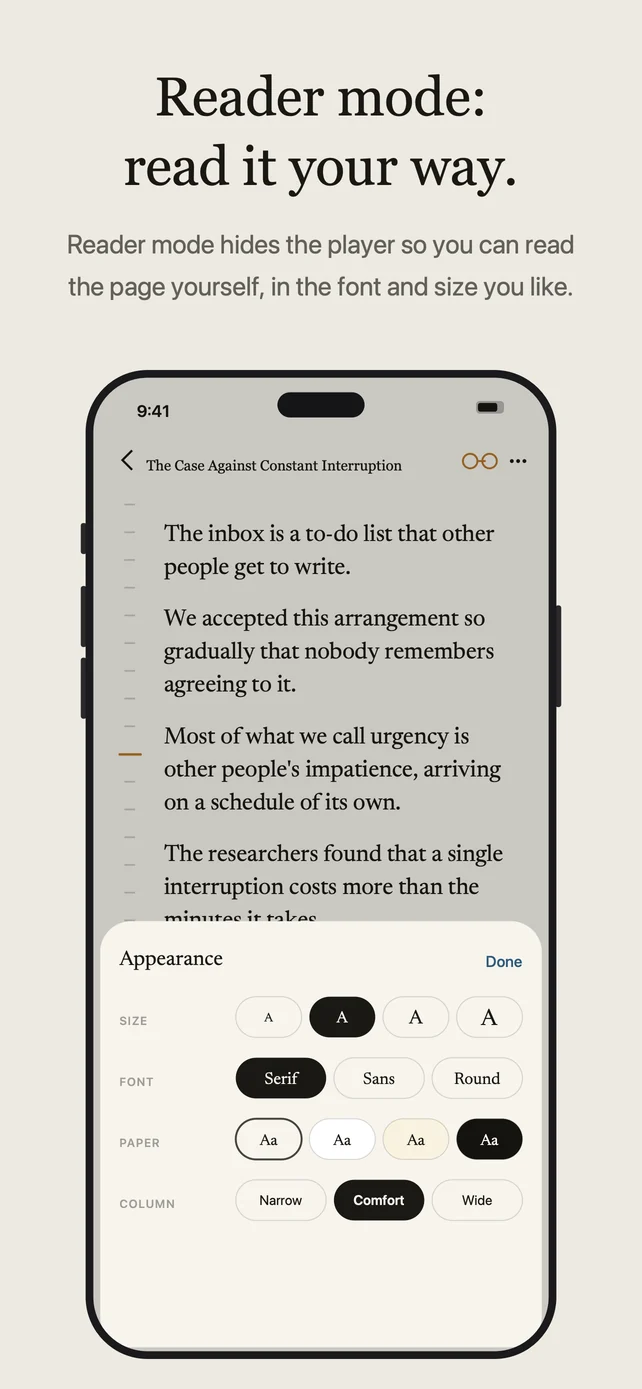
Read along
The sentence being spoken is lit. Hold the margin rail to scrub through the whole document.
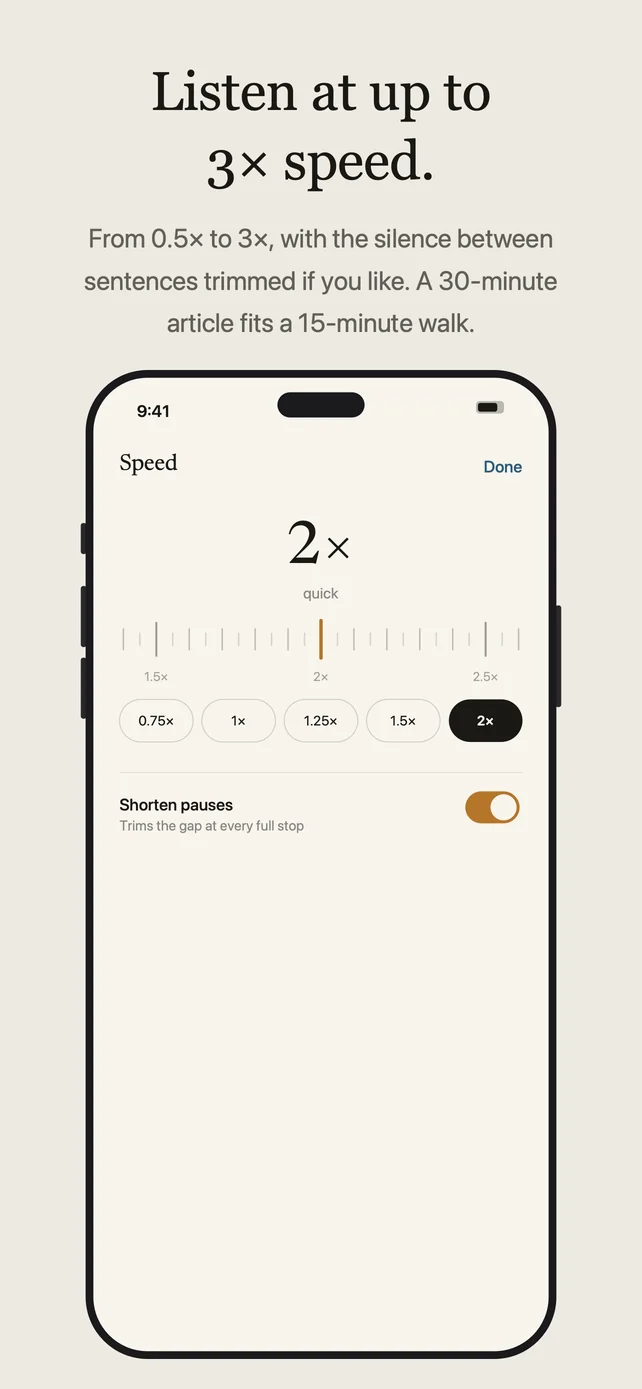
Faster, if you like
From 0.5× to 3× without the chipmunk voice, with pauses trimmed at every full stop if you want them.
With the screen locked
Keeps reading with the screen locked, with lock-screen and AirPods controls and a sleep timer that fades out.
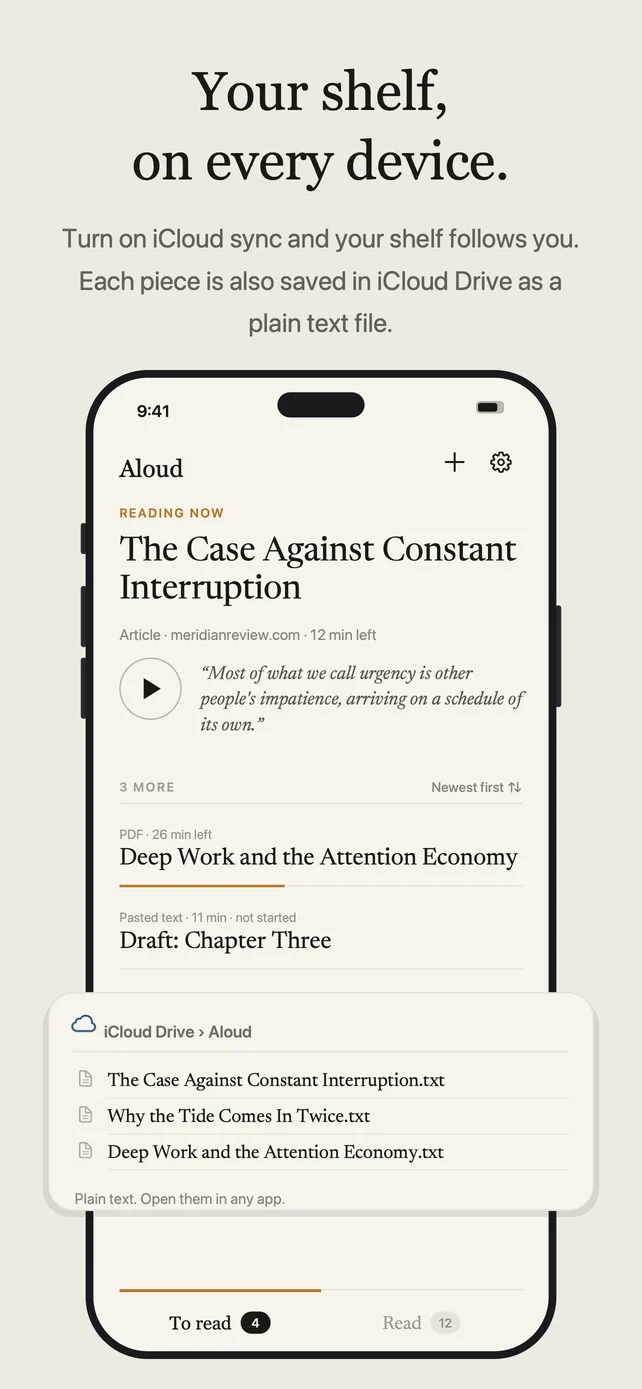
On every device
Optional iCloud sync keeps your shelf as plain text files in your own iCloud Drive.
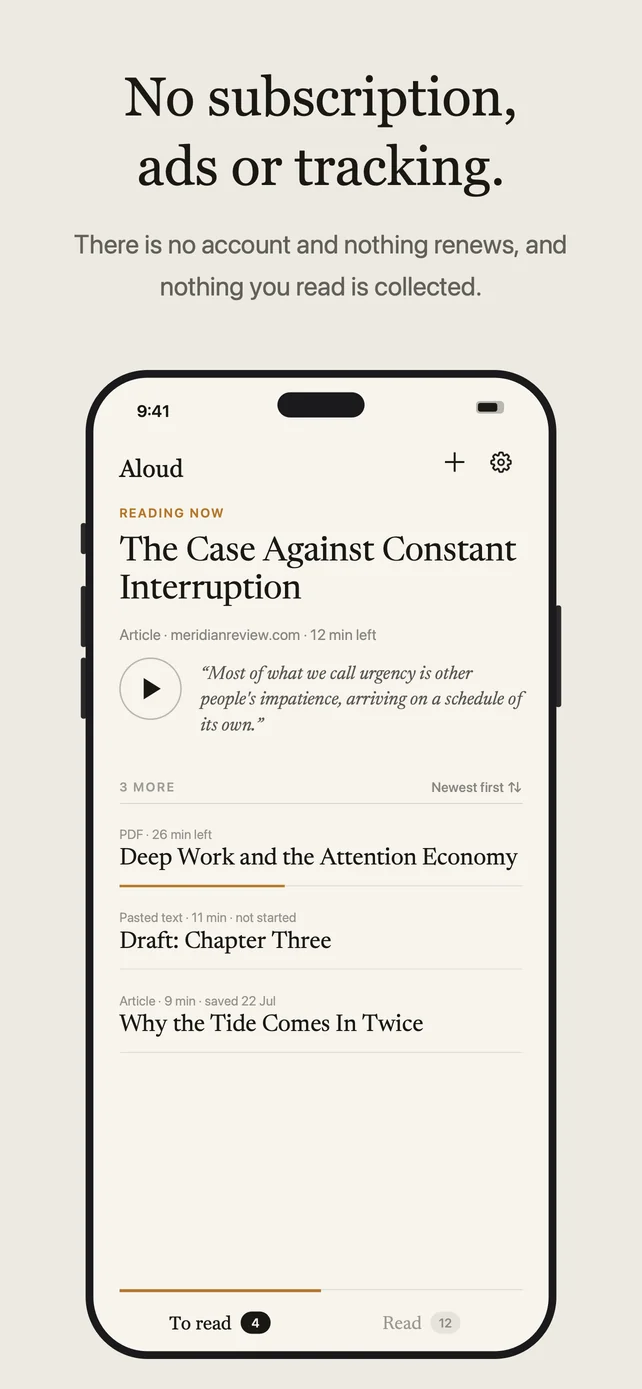
No servers and no subscription.
Many popular text-to-speech apps make their voices on their own servers, so the articles and documents you listen to are uploaded there first, and their premium plans can cost $139 a year, or $29 a month (nearly $350 a year). Aloud makes every voice right on your iPhone, so what you read is never sent anywhere to be spoken. There is no subscription either: one optional purchase removes the limit for good.
What people say.
-
★★★★★
“I use this daily to listen to the Economist and New Yorker… it sounds super natural and it just works”
App Store review, United States -
“Holy moly, that UI is beautiful. One of the most beautiful apps I’ve seen!”
Review on Reddit
Questions and answers
What is a good text-to-speech app for iPhone without a subscription?
Aloud reads articles, PDFs, EPUB books and any text aloud in a natural voice. It is free to download, and one in-app purchase removes the limit for good. There is no subscription and nothing renews.
The voices are made on your iPhone or iPad, so what you read is never uploaded to be spoken, and Aloud keeps reading without an internet connection. There is no account, no ads and no tracking.
How do I listen to an article on my iPhone?
- Open the article in Safari or any other app.
- Tap Share, then Aloud.
- Open Aloud and press play. The sentence being read is lit on the page.
When you share from Safari, Aloud reads the page as Safari shows it, so articles on sites you are signed in to come through too. Links shared from the Facebook, Messenger or Instagram apps work as well. Step-by-step guide.
Can Aloud turn an EPUB into an audiobook?
Yes. In the Files app, touch and hold the EPUB, then tap Share and Aloud. On iOS 26 or later, Open With › Aloud works too. You can also tap + › Import a file in Aloud. Aloud keeps the book's cover and chapters. The Chapters list shows how long each chapter takes to hear, and you can start from any of them. Your place is kept, so a long book plays like an audiobook.
Books bought with copy protection cannot be opened by other apps, Aloud included. DRM-free EPUBs, like the ones from Project Gutenberg or Standard Ebooks, work.
Can it read PDFs, including scanned ones?
Yes. Share a PDF to Aloud from the Files app, or tap + › Import a file in Aloud. Aloud reads the text in order, and for a scanned PDF it recognises the text on the device first.
Does Aloud work offline?
Yes. Each voice downloads once, the first time you use it. After that the speech is made on your iPhone, so Aloud reads in airplane mode, on the underground or on a flight. Fetching a new article still needs the internet; anything already on your shelf does not.
Which languages can it read?
Ten natural voices read English, and four more read thirty other languages, including German, Spanish, French, Italian and Portuguese. The app itself is in English, German, Spanish, French, Italian and Portuguese.
Can it translate what I'm reading?
Yes, on iOS 18 or later. Tap the translate button in the reader and choose a language under Translate into. Apple's translator does the work on your iPhone, so nothing is sent anywhere. The page then shows each sentence with its translation, and Read the translation aloud lets the voice read either language.
How fast can it read?
From 0.5× to 3×, without the chipmunk sound. Shorten pauses trims the silence between sentences, so a 30-minute article fits a 15-minute walk.
Is Aloud free?
Aloud is free to download, with every voice and feature. The free shelf holds three pieces at a time. A one-time purchase, Unlock Aloud, removes the limit. There is no subscription. See it on the App Store.
Can I bring my reading list from Pocket or Instapaper?
Yes. Export your saves from Instapaper, Raindrop or your browser's bookmarks, then in Aloud open Settings › Import from a file. An export you saved from Pocket before it closed in 2025 works too. A ZIP file can go in as it is, without unzipping. Aloud queues every link and fetches the articles one by one. The free shelf holds three pieces, and the rest wait until you unlock Aloud or remove a piece.
Does Aloud upload my documents?
No. Speech is made on your iPhone. Aloud downloads each voice once from a public host, and fetches articles you share from their own websites, as a browser would. Sync with iCloud is optional and keeps your shelf as plain text files in your own iCloud Drive. Privacy policy.
- Speech is generated on your iPhone. Your documents are never uploaded to be spoken.
- Voices download once from a public host. Articles you share are fetched from their own website, as a browser would.
- No account, no analytics, no ads, no tracking.


