
Unfollowers
See who unfollowed you on Instagram, with no login.
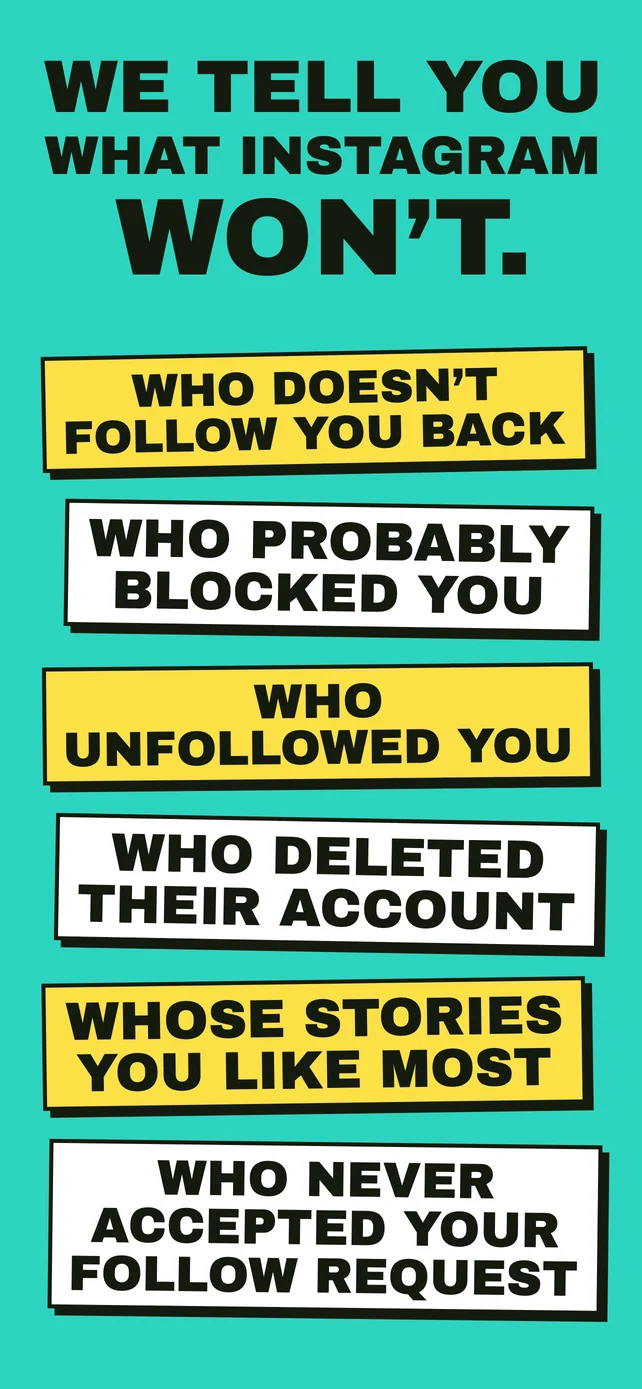
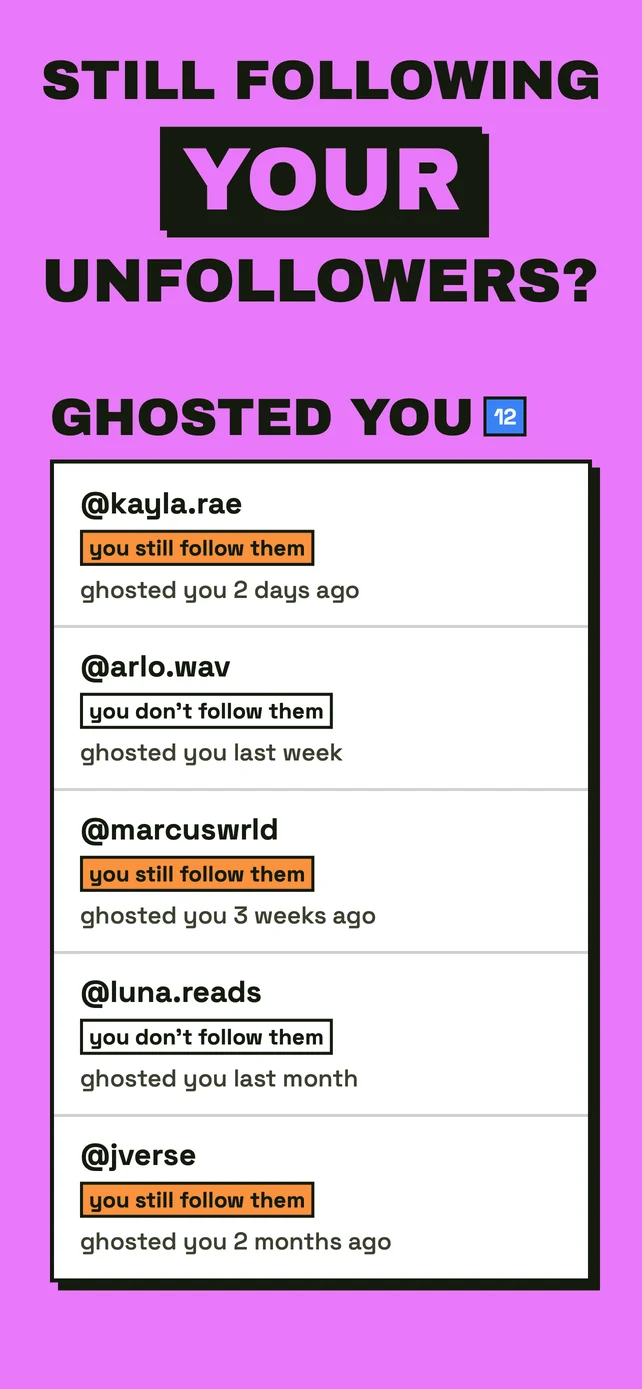
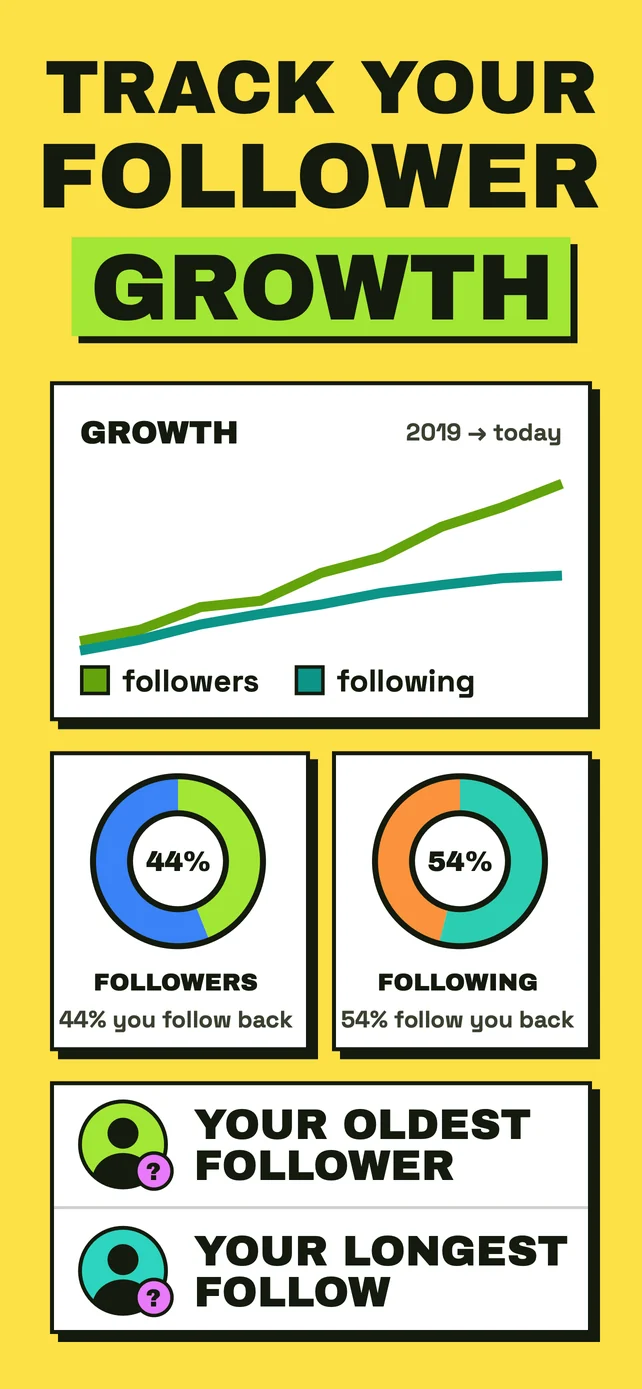
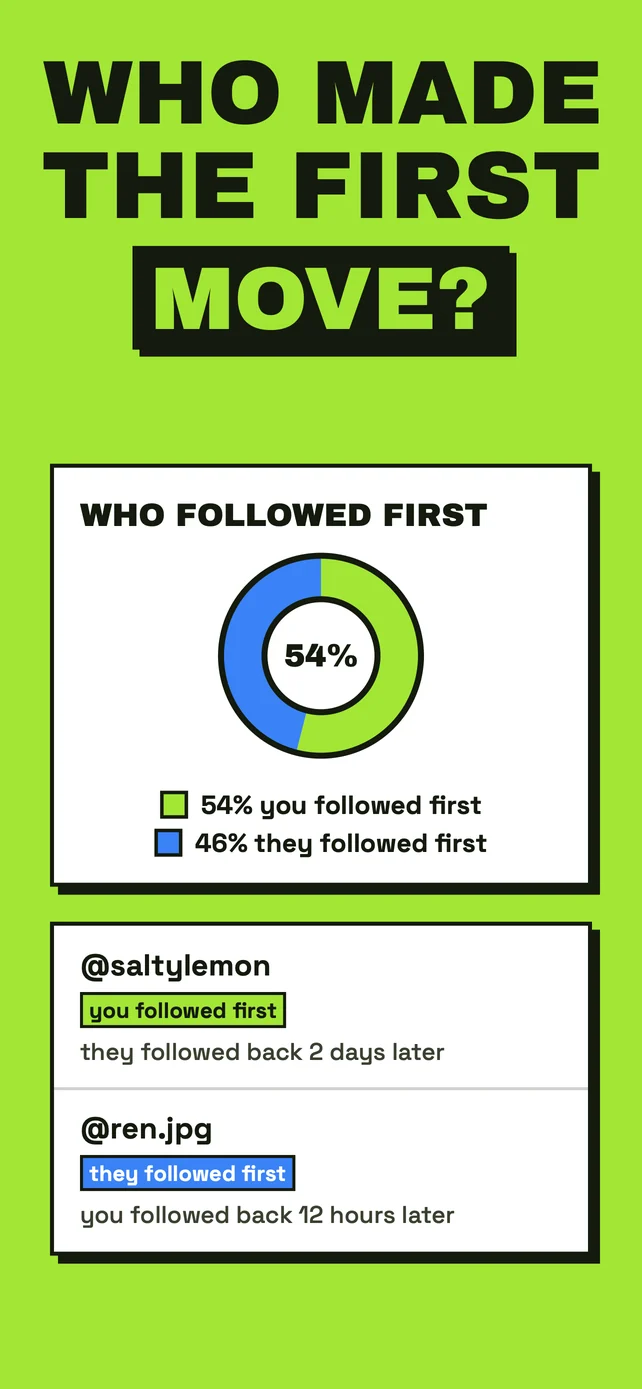
Instagram doesn't tell you who unfollowed you, but your own data export shows it. Unfollowers reads the official export you download from Instagram yourself and shows what changed, without ever asking for your password.
Who unfollowed you
Tracked across imports, with the date each change was caught.
Unfollowers you still follow
A tag on each account that unfollowed you says whether you still follow them.
Probably blocked
Accounts that left your followers and your following at the same moment. The app marks them as a likely block.
Who doesn't follow back
The classic list, plus mutuals and requests that were never accepted.
Who followed first
For each mutual, who followed first and how long the other took to follow back. Stats shows the split as a chart.
Who you interact with most
Your likes, comments, and story reactions, counted from your own export.
Your history, charted
Growth and follow-back charts built from the follow dates in your export.
Share your year
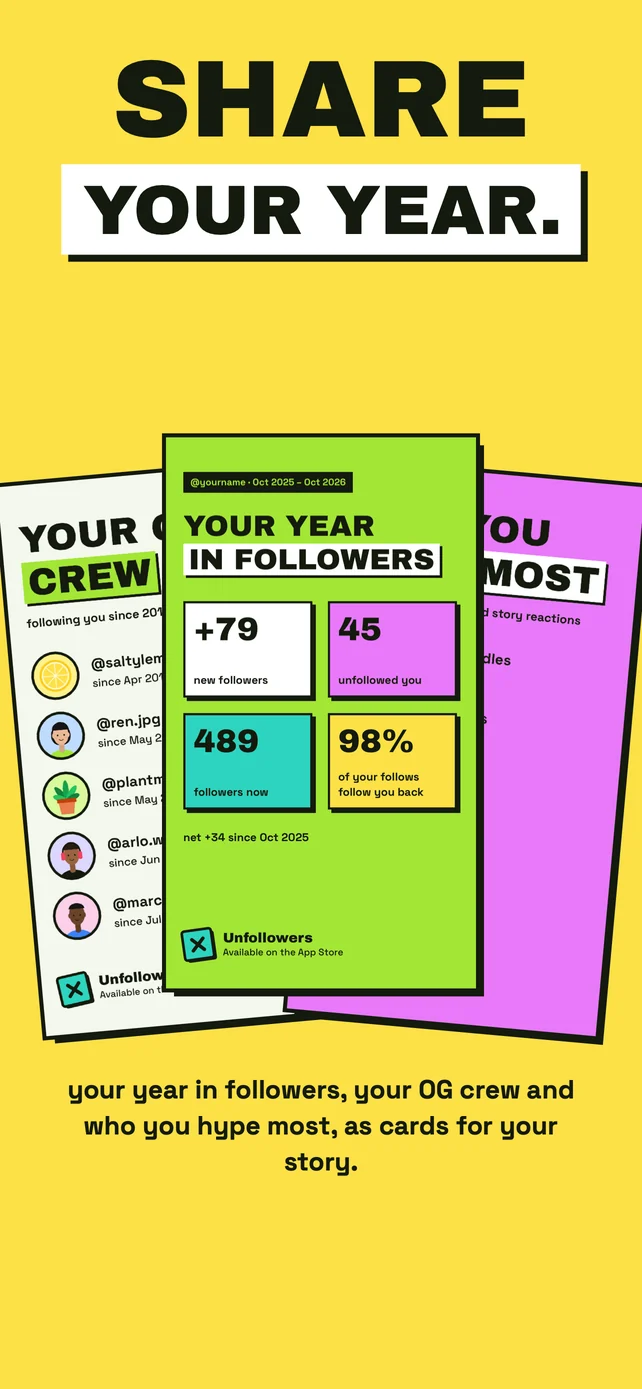
Your year in followers, your OG crew and who you hype most, as cards for your story.
No login
The app has no sign-in screen, so your password stays with you.
Your password stays with you.
Most follower trackers ask for your Instagram password, then access your account in the background. Instagram warns that letting unauthorized apps into your account puts it at risk, and people who use them regularly report locked, suspended, or “action blocked” accounts. Unfollowers never asks for your password and never signs in as you. It reads the data export that Instagram gives you. There is no subscription, and one optional purchase unlocks everything.
- Tens of thousandsof downloads
- #48in Social Networking on the App Store in Greece, September 2026
What people say.
-
★★★★★
“This is what I call good UX and solving a problem that a corporation doesn’t provide in a non-intrusive way.”
App Store review, United States -
★★★★★
“The best follower tracker out there. The only one that plots your number of followers over the years”
App Store review, United States -
★★★★★
“Using this app I realised my fiancées mom unfollowed me!! Love that no ads are involved!”
App Store review, Greece
Questions and answers
How can I see who unfollowed me on Instagram?
Instagram doesn't show who unfollowed you. Your Instagram data export lists everyone who follows you on the day you download it. Unfollowers compares two of these exports and shows who left.
- Download your data export from Instagram, with Followers and following in JSON format. Here is how.
- Import the ZIP file into Unfollowers. You see right away who doesn't follow you back.
- A few weeks later, download a new export and import it too. Unfollowers lists who unfollowed you since the first one, with the date each change was found and whether you still follow them.
Each new export you import adds to your history.
Is there a safe unfollow tracker without login?
Unfollowers works without a login. It never asks for your Instagram password and never signs in to your account. It reads the data export that you download from Instagram yourself.
Many follower trackers ask for your Instagram password and then use your account in the background. Instagram warns that letting unauthorized apps into your account puts it at risk. With Unfollowers, your password stays with you, and the app never takes any action on your account.
Your export file is read and stored on your iPhone. There is no account, no ads and no tracking.
How do I download my Instagram data export?
In the Instagram app, open your profile and tap the menu. Then go to Accounts Center › Your information and permissions › Export your information › Create export. On some accounts, Accounts Center is called Meta Account. Choose Export to device. Pick Followers and following, the whole date range and the JSON format, then tap Start export. Instagram tells you when the file is ready, usually within minutes.
Can I see who blocked me on Instagram?
Instagram doesn't report blocks, so no app can know for sure. When someone blocks you, they disappear from your followers and from the accounts you follow at the same time. Unfollowers flags these accounts as probably blocked. This only works for people who followed you and whom you followed.
Two other cases look the same: when you both unfollow each other, and when someone unfollows you and removes you as a follower. An account that was deleted, deactivated or renamed also disappears this way. The profile check (the vibe check) asks instagram.com whether each username still exists, and moves accounts that are gone to a separate list.
How can I see who followed first on Instagram?
Instagram doesn't show who followed first. Your data export has the date of each follow, in both directions, and Unfollowers uses those dates.
For each of your mutuals, the app compares the date they followed you with the date you followed them. The Mutuals list, which is free, shows who followed first and how long the other took to follow back. Once the app is unlocked, the Stats tab also shows the split as a chart. If someone unfollowed and followed again, the newer date counts.
Is Unfollowers free?
Unfollowers is free to download. The free version shows your followers, the accounts you follow, who doesn't follow you back, who you don't follow back, and your mutuals, with who followed first. A one-time purchase unlocks everything else, including the lists of who unfollowed you and who probably blocked you. There is no subscription. The app runs on iPhone with iOS 17 or later.
Does anything leave my iPhone?
Your export file stays on your iPhone. The app reads and stores it there, and the developer runs no servers. Two features use the internet. The profile check asks instagram.com whether an account still exists and sends only that username, without signing in. It runs when you tap the vibe check, and, once the app is unlocked, for up to 30 new accounts after each import. Once the app is unlocked, the Stats tab also loads profile pictures for the people on your share cards from their public Instagram pages, again without signing in. Privacy policy.
- Your Instagram export is read and stored only on your iPhone.
- No account, no analytics, no ads, no tracking.
- Checking whether an account still exists, and loading pictures for your share cards, sends only usernames to Instagram, anonymously.
Unfollowers is an independent app, not affiliated with Instagram or Meta.


